
backlink ScratchScratch: promote your products and gain extra visibility
Your products are not only visible inside the ScratchScratch App (to registered users), but also on public portal pages that are indexed by Google. 👉 This badge creates a backlink ScratchScratch, delivering SEO value and extra visibility as long as your products remain published with us.
Why the backlink ScratchScratch strengthens your site
Placing the Official ScratchScratch Badge on your website generates a link to our platform; in parallel, we showcase your products with a direct link to your site. It’s a value exchange with tangible benefits:
- SEO & authority: a backlink (inbound link) from a thematic platform like ScratchScratch can boost organic presence (read more about backlinks).
- Qualified traffic: visitors coming from our portal are already interested in your products.
- Trust: the badge clearly communicates that your products can be won for free on ScratchScratch.
- Ongoing value: the benefit lasts as long as the badge stays online and your products are published with us.
How the backlink ScratchScratch works
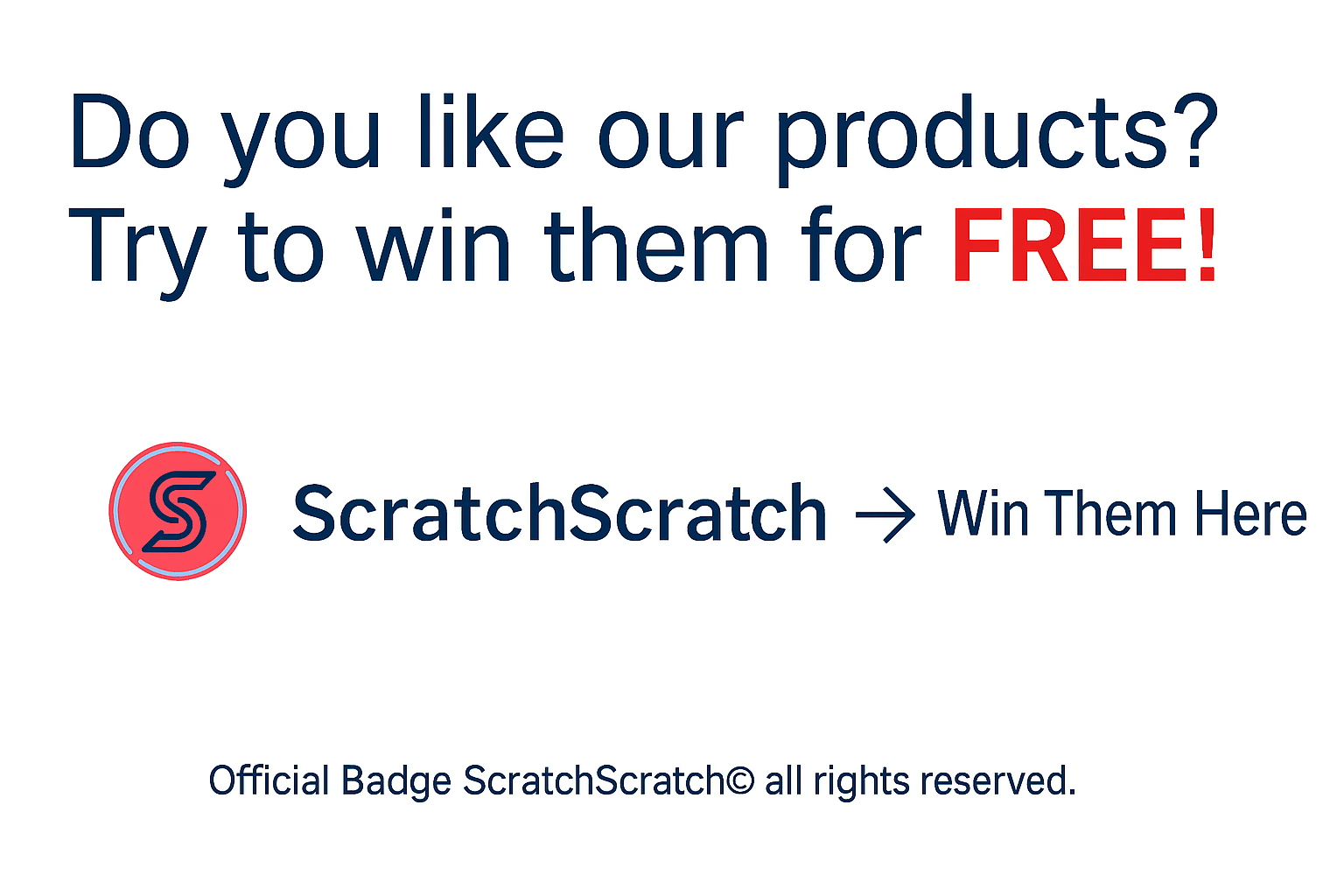
👆 This is how it will look on your site
HTML code to link to the ScratchScratch portal
Copy this code and paste it into your website (or send it to your webmaster):
<a href="https://www.app.scratchscratch.net/#/welcome" target="_blank" rel="noopener">
  <img src="https://www.scratchscratch.net/wp-content/uploads/2025/08/Offical-badge-scratchscratch-Copyright_En.avif"
       alt="Do you like our products? Try to win them for FREE on ScratchScratch!"
       style="max-width:280px; border:0;">
</a>
Publishing on Social: badge with inbound link
Important: social platforms do not accept HTML. To post the badge, follow these steps:
- Download the badge image to your device.
- Create a new post on your Facebook / Instagram / LinkedIn page and upload the image you downloaded.
- Copy and paste this caption (feel free to edit it):
Do you like our products? They’re now on ScratchScratch, too.
Try to win them for FREE! 👉 https://www.app.scratchscratch.net/#/welcome
SEO tips for the site link
Place the badge in an always-visible area (header, footer, or sidebar) and keep the image lightweight to improve load times. Avoid attributes that limit link indexing and periodically verify the URL after theme or CMS updates. If you use a visual builder, paste the code into an “HTML” block and check the rendering on desktop and mobile to avoid clipping or odd resizing.
Confirm badge publication
After publishing at least one badge (Website or Social), send the Publication Confirmation.
Your confirmation allows us to verify and activate Extra App visibility and sharing on our Social channels.